

Best Video Testimonial Software in 2026: 8 Tools Compared

Your SaaS team probably already has customer praise scattered across email threads, Slack messages, support tickets, and a spreadsheet. Turning that praise into a short video is harder. Customers need a simple way to record, your team needs to approve and edit the result, and buyers need to see the finished story at a point where it can influence a decision.
That's why video testimonial software has become a workflow problem, not just a recording problem. Video marketing adoption grew from 61% of businesses in 2016 to 89% in 2025, while 95% of respondents considered video strategically important and 93% reported positive ROI, according to Wyzowl's longitudinal video marketing data. The practical question isn't whether your team can collect a video. It's whether you can collect, manage, publish, measure, and reuse customer proof consistently.
This roundup compares nine tools by the buying decision SaaS and digital-product teams face: budget-first collection, polished production, all-in-one feedback, conversion-focused widgets, and enterprise distribution. Each profile covers embedding and in-app support, customization, multi-language output, analytics, export, API and webhook access, pricing, and the limitations that can become expensive later.
Table of Contents
- 1. Bragly
- 2. Senja
- 3. Famewall
- 4. Testimonial.to
- 5. Vocal Video
- 6. Boast
- 7. VideoAsk
- 8. Endorsal
- 9. Vouch
- Top 9 Video Testimonial Software Comparison
- Turn Your Shortlist Into a Tested Collection Workflow
1. Bragly
Bragly is best understood as a social-proof management platform with video testimonial capabilities, rather than a video editor built around cinematic production. It brings customer reviews and testimonials into one place, then helps teams publish them through no-code widgets across websites and product pages. That distinction matters for SaaS teams that already have proof spread across review platforms and need a reliable publishing layer more than a complex post-production suite.
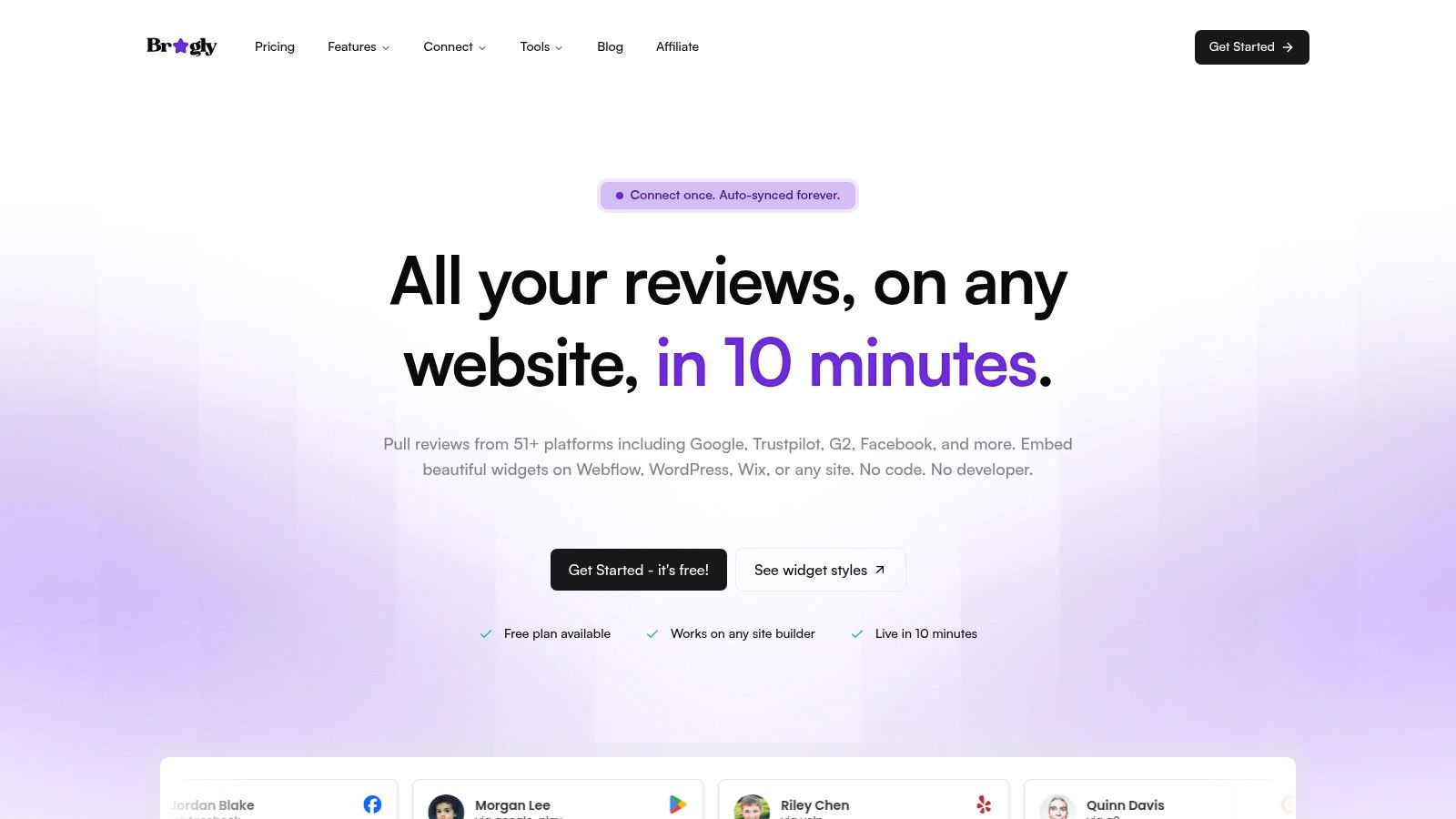
Bragly can aggregate reviews from 50+ sources, including Google, Trustpilot, G2, Facebook, Yelp, Product Hunt, Capterra, the App Store, Google Play, Shopify, Airbnb, and other platforms. Automatic syncing reduces the maintenance burden of keeping testimonials current. For a SaaS company with reviews distributed across several marketplaces, that consolidation can be more useful than another standalone collection form.
Its no-code widgets work with Webflow, WordPress, Wix, and custom sites through copy-paste embeds. Carousel, grid, slider, mosaic, ribbon, badge, and video-highlight layouts give marketers room to match the placement to the page. A pricing page may need a compact proof block, while a homepage can support a larger visual wall. Bragly also supports tagging, manual review entry, first-party collection forms, basic analytics, AI-based review analysis, and webhooks.
Where Bragly fits best
Bragly is a strong choice when your main operational problem is dispersed social proof. It can help a lean marketing team avoid manually copying reviews into a CMS every time a customer posts somewhere new. The platform's free plan provides a low-risk starting point, while the listed Pro and Business plans are $14 per month and $67 per month respectively, according to the supplied product notes. Verify current limits before purchase because plan details can change.
The trade-off is equally clear. Bragly isn't positioned as the deepest option for AI-assisted editing, advanced video production, or highly granular funnel experimentation. Its analytics are useful for managing and displaying proof, but teams focused on incremental revenue should still connect testimonial exposure to their own product analytics.
Practical rule: Choose Bragly when review aggregation and fast publishing matter more than producing a heavily edited customer story from raw footage.
For a closer look at the dedicated workflow, see Bragly's video testimonial software. It's the right shortlist candidate for SaaS teams that want one social-proof library, broad source coverage, flexible embeds, and low-code deployment. It's less suitable when your team needs a production studio first and a review hub second.
2. Senja
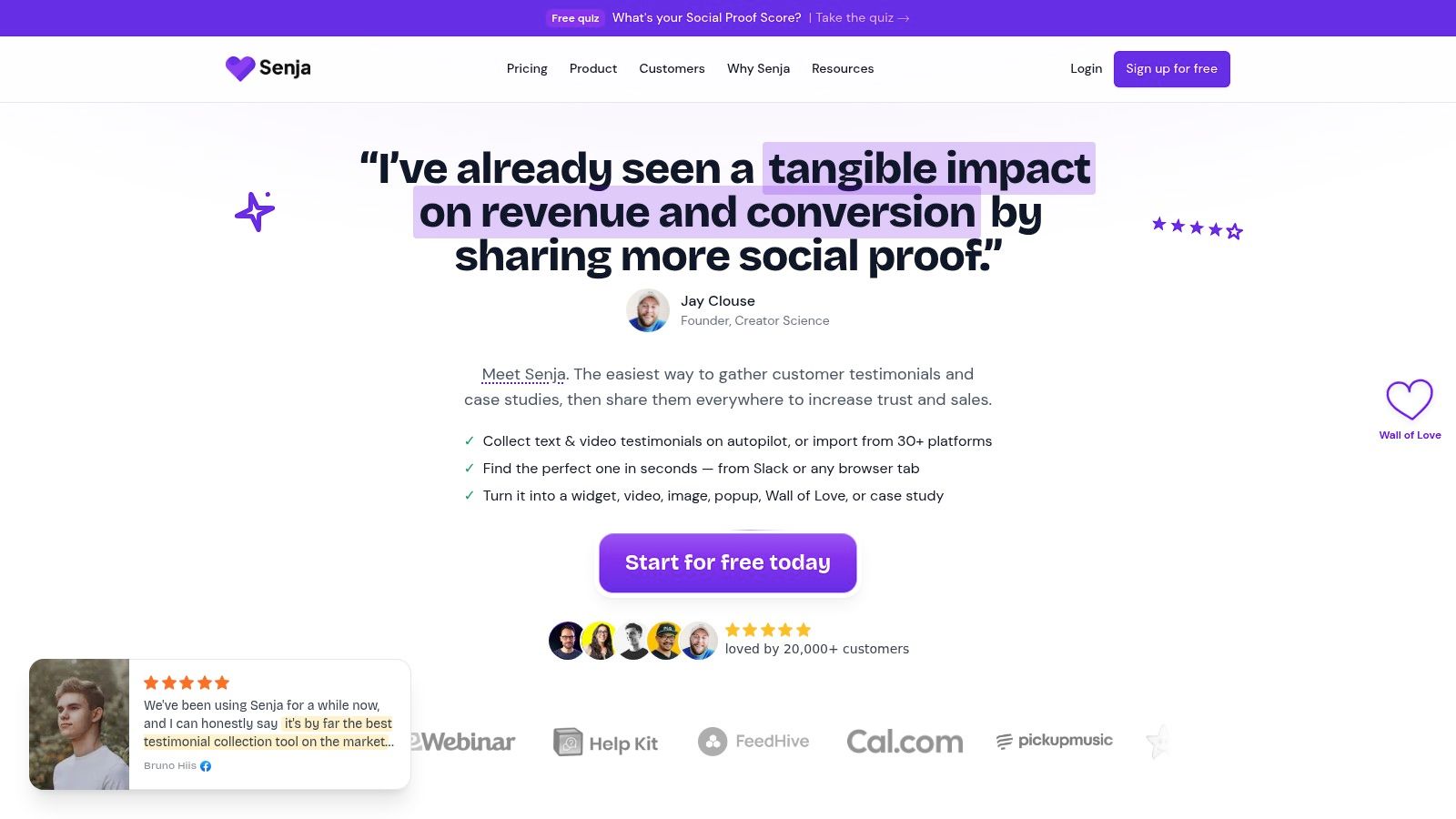
Senja keeps the entry barrier low for teams that want to collect text, image, and video testimonials in one library. Its free plan supports up to 15 combined testimonials, and those slots are all-time rather than a monthly allowance. Deleting an old testimonial doesn't restore the slot, so founders should treat the free tier as a pilot rather than an endlessly renewable archive.
The setup is fast. Teams can create collection forms, import proof from more than 30 sources, organize submissions, and publish unlimited widgets or Wall-of-Love displays. That makes Senja a practical option for an early-stage SaaS company that needs something live this week, not a long implementation project. It also supports HD video exports on paid plans, plus API and webhook access on paid tiers.
Senja's customization is strongest on the publishing side. You can create different displays for a homepage, pricing page, onboarding flow, or sales resource without rebuilding your collection process. Translation and SEO snippets are available on the Pro tier, which makes the platform more useful for teams serving multiple markets, although the translation workflow should still include human review for product terminology and customer meaning.
The useful compromise
Senja's weakness is depth. Advanced analytics and richer controls require a paid plan, and the free experience carries platform branding. It's also more form-led than conversation-led, so it won't suit every customer segment. Customers who need a warm video prompt or a carefully guided case-study interview may respond better to a more video-first tool.
Use Senja if your team wants a low-cost social-proof operating system rather than a dedicated production environment. It works particularly well when written reviews and short videos need to sit beside one another.
Teams evaluating testimonial-led acquisition can also compare this workflow with Refgrow's guide to SaaS reviews. Refgrow isn't testimonial software, but the distinction matters. Senja manages proof, while a referral platform handles partner-driven acquisition.
3. Famewall
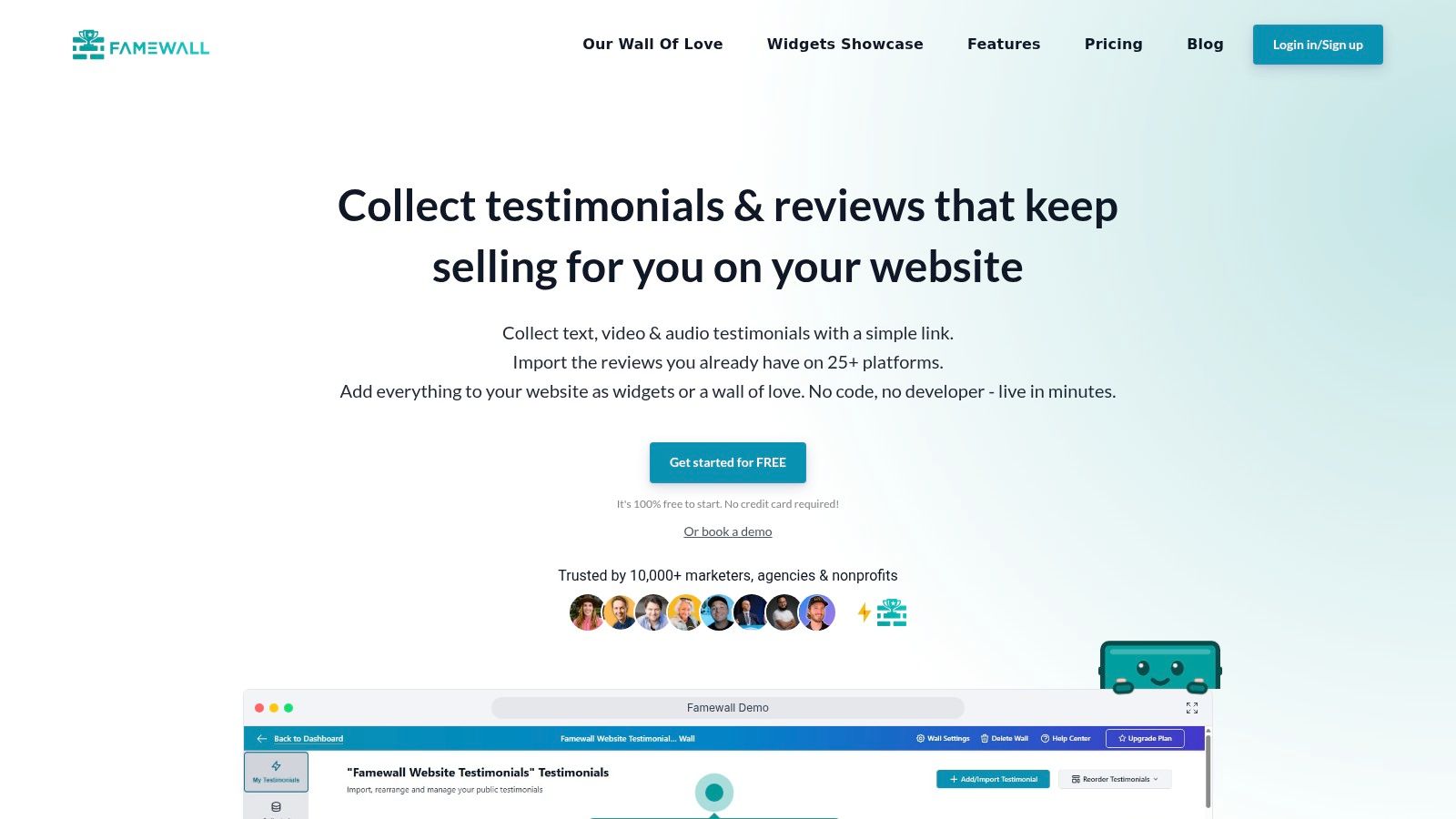
Famewall is aimed at founders, creators, and small teams that want to collect and display testimonials without committing to an expensive production stack. It supports text, video, and audio, with collection pages and multiple testimonial walls that can be deployed across products or brands.
The free plan includes 10 testimonials, including one video and one audio testimonial, with SD downloads. The Professional plan unlocks unlimited video and audio testimonials, making Famewall one of the more budget-oriented options for teams that expect video volume to grow. It also provides white-label embeds, multiple walls, and integrations with Zapier, Make, Slack, Discord, and its API.
That combination is useful for a small SaaS portfolio. You can create a separate collection page for each product, route notifications to a team channel, and publish approved proof on the relevant landing page. The workflow doesn't require much technical support, and the pricing structure has a clear upgrade path.
Watch the recording limits
Famewall's main limitation is recording length. Caps can vary by plan, with supplied notes indicating limits in the 2 to 5 minute range. That's adequate for concise customer stories, but it can force awkward cuts if you're collecting longer case-study responses. Smaller vendors may also provide fewer enterprise compliance artifacts than larger platforms, so procurement and security teams should ask specific questions before rollout.
Famewall is a fit when price, fast deployment, and unlimited video on higher plans matter more than advanced editing or enterprise governance. If your broader program includes customer advocacy, its collection workflow can sit alongside the engagement ideas in Refgrow's customer advocacy guide, but the two products solve different jobs.
4. Testimonial.to
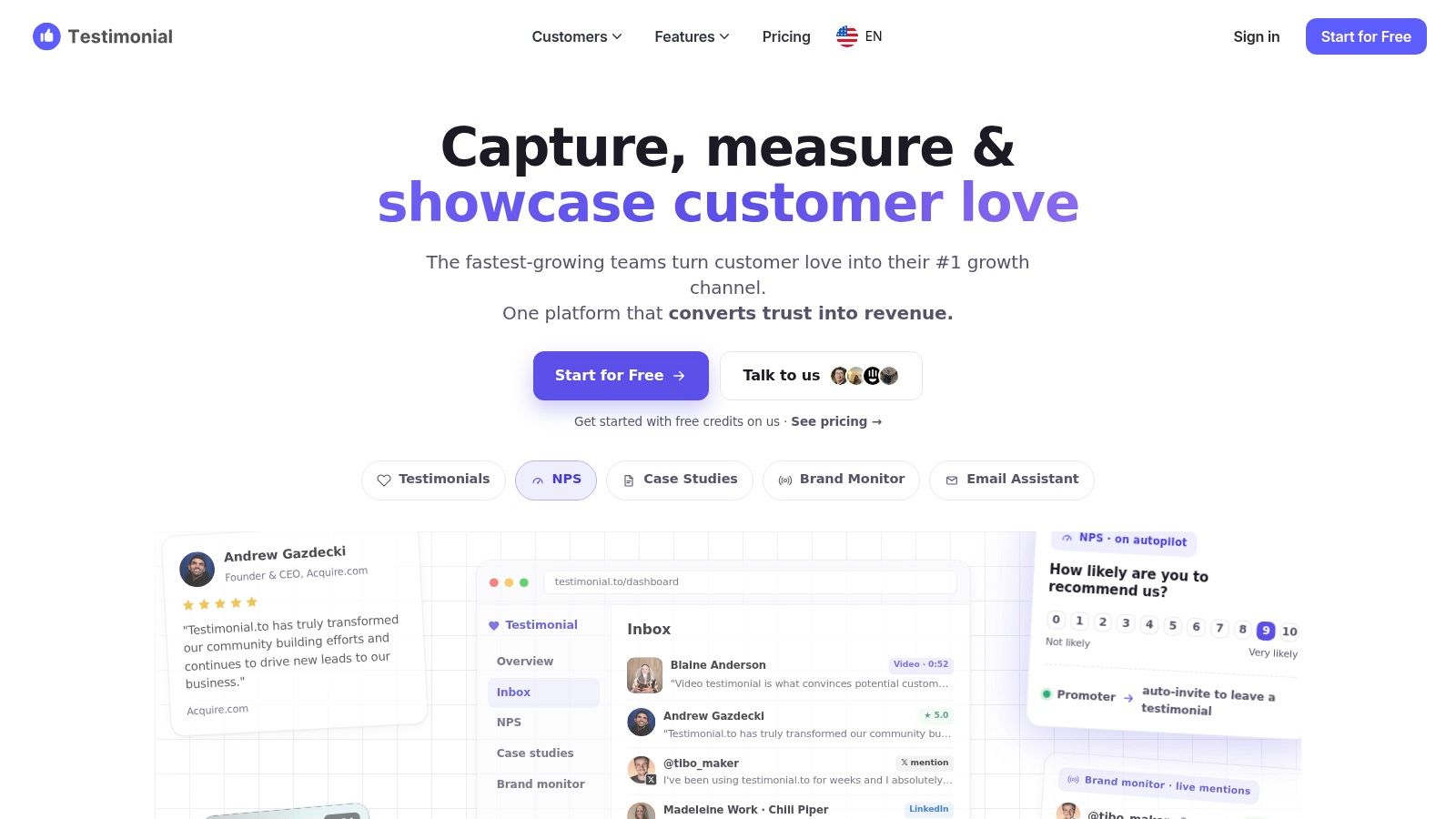
Testimonial.to favors simplicity. A customer receives a link, records a video or submits text, and your team organizes the response inside a Space. The Space model works well for separate SaaS products, brands, or client accounts, but it can make costs climb if you manage many properties.
The product is strongest at collection and display. Its embeddable walls and widgets let teams publish proof quickly without asking a developer to build a custom testimonial component. Guides and documentation cover Spaces, credits, forms, and the core workflow, which helps a small team get moving without much training.
The free and starter tiers are the important caveat. Both cap video collection at two video testimonials total, so they're suitable for testing the respondent experience, not for building a sustained video library. Unlimited video becomes available on higher per-Space plans. That pricing logic can be perfectly reasonable for one product, but less attractive for an agency or company managing several product lines.
Who should choose it
Pick Testimonial.to when you need a clean Wall of Love and a fast collection link, and you don't need elaborate branching, extensive editing, or advanced distribution controls. It's less compelling for teams that want deep multi-language production, detailed analytics, or a single account spanning many independent brands.
Its simplicity is the feature. Its Space-based pricing and starter video cap are the constraints.
5. Vocal Video
Vocal Video is the strongest option in this list for teams that want a customer recording to emerge as a finished, branded video asset with limited manual editing. It combines link-based collection, prompts, a teleprompter, background blur, AI transcripts, subtitles, templates, hosting, galleries, and downloadable outputs.
The respondent experience is designed to reduce hesitation. Customers can record from a link, while your team controls the questions and presentation. After submission, Vocal Video can produce a more polished result with subtitles, filler-word removal, brand treatment, and publishing controls. Its AI transcript and subtitle workflow supports more than 100 languages, although global teams should still review translations and product-specific terms before publishing.
Production quality has a cost
Vocal Video meters video processing hours. That's the key budget issue. A team collecting a small number of short testimonials may find the model predictable, but heavy collection, long interviews, repeated edits, or multiple language outputs can consume the allowance quickly. The free plan includes watermarks and no downloads, so it's mainly useful for evaluating the workflow.
Embedding and hosting are well covered, and paid plans provide downloadable assets. API and webhook depth should be checked against your exact automation needs rather than assumed from the publishing feature set. Teams that want to trigger requests from lifecycle milestones should test the integration path during the trial.
Production insight: A polished video is only useful if your team can publish it where buyers make decisions. Check the export, embed, and approval workflow before judging the editor.
Vocal Video suits B2B SaaS teams that want case-study-ready content without hiring a video editor for every customer story. It may be excessive for a founder who only needs a simple Wall of Love. For teams building a structured advocacy motion, Refgrow's guide to building brand advocates offers a useful adjacent perspective, but Vocal Video remains the tool for producing the actual customer video assets.
6. Boast
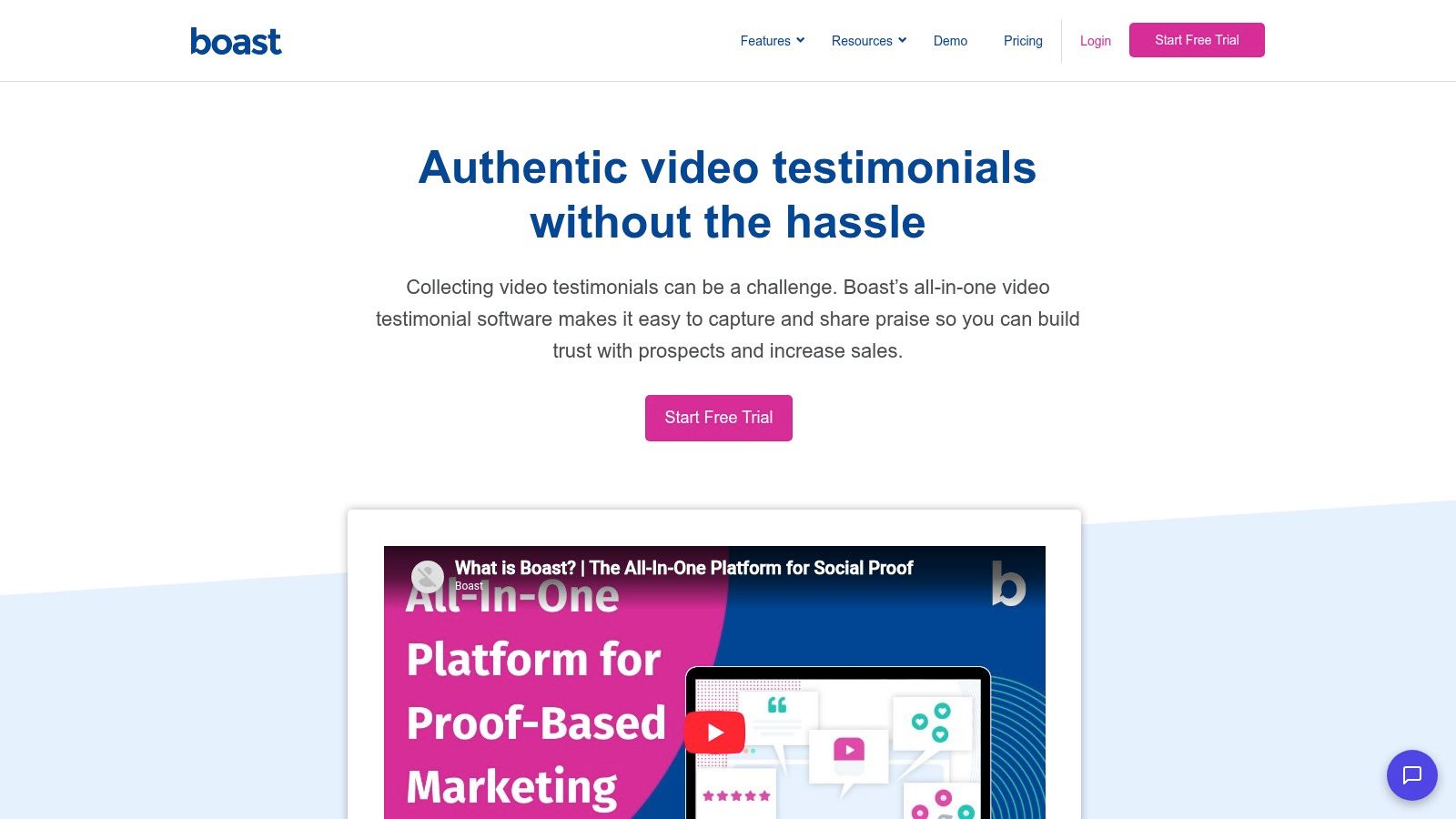
Boast takes a broader approach by combining testimonial capture with surveys, review generation, and customer feedback programs. That makes it a better fit for operations teams that don't want separate tools for NPS, CSAT, CES, reviews, and video stories.
Its forms are flexible. A team can use drag-and-drop fields, video and photo inputs, multi-step surveys, and automated requests. After collection, Boast supports video editing with intros, outros, music, and titles, then publishes results through embeddable widgets or hosted pages. The workflow is structured enough for recurring campaigns rather than one-off requests.
A predictable stack, with metered usage
Boast's plans are response-metered. That's useful when your collection volume is known and controlled, but high-volume user-generated content can outgrow lower tiers. SMS access, higher video quality, and longer video limits also depend on plan level, so the headline subscription won't tell you the whole cost of an active program.
Boast is not the most video-specialized platform here. Its advantage is the surrounding feedback workflow. A customer success team can request feedback after onboarding, route a positive response toward a testimonial, and use the same system for broader satisfaction measurement.
Choose it when feedback operations and testimonial collection belong together. Don't choose it solely because you need the most advanced video editing or the widest multilingual output. The platform earns its place through workflow breadth, not cinematic polish.
7. VideoAsk
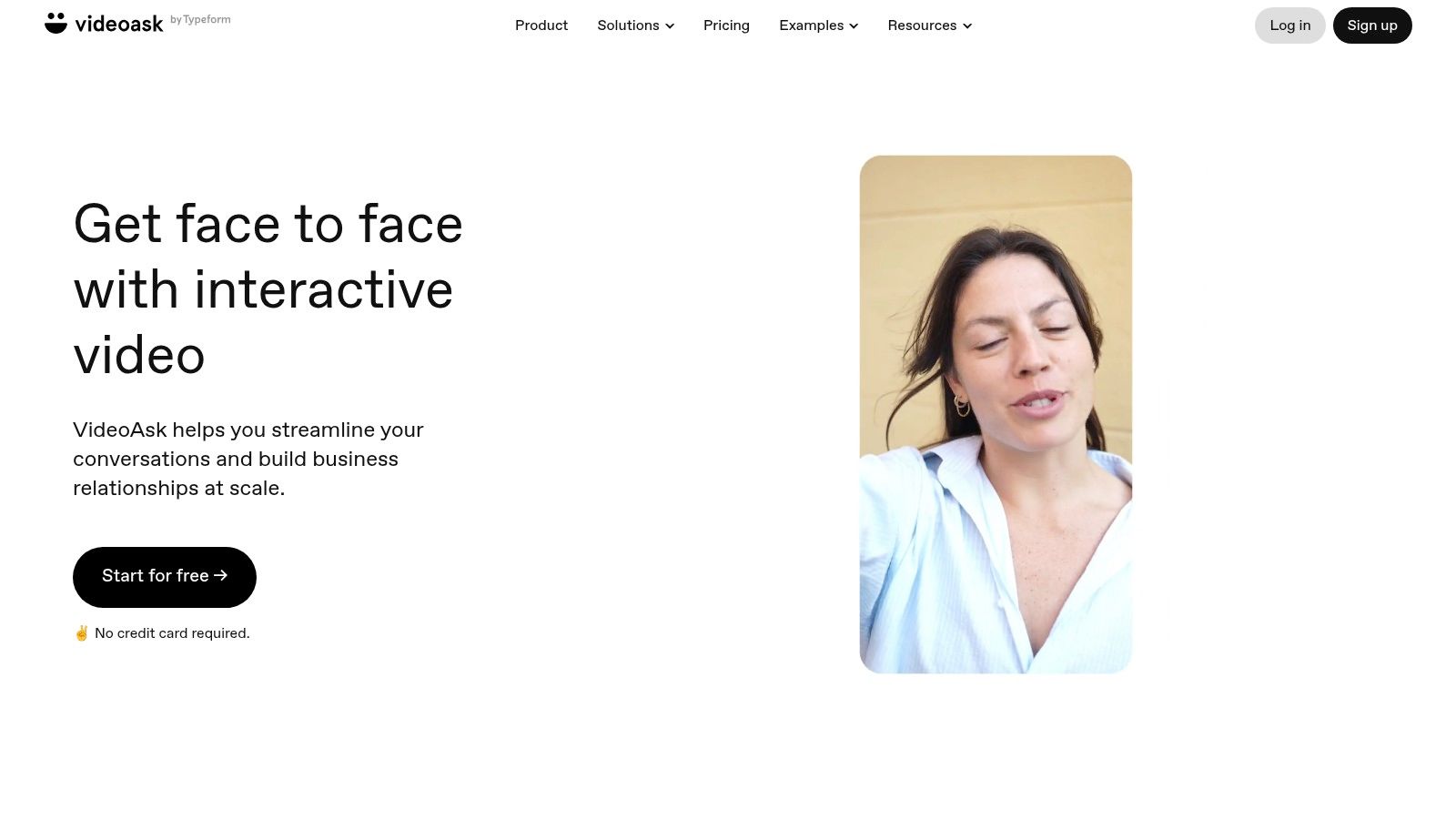
VideoAsk is an interactive video form and funnel product from Typeform. It's useful when a testimonial needs more structure than a single “record your review” prompt. You can create multi-step flows, accept video, voice, or text responses, and use conditional logic to guide customers through a case-study-style narrative.
That makes VideoAsk particularly useful for high-consideration SaaS products. A customer might first describe the problem, then explain why they chose the product, then identify the outcome, with different follow-up questions based on each answer. The same flow can collect feedback or leads, not only testimonials.
Flexible collection, variable cost
VideoAsk provides embeddable widgets, developer documentation, APIs, and automation options. Its trade-off is a minutes-based billing model for video and audio processing. Both your created prompts and respondent media can affect consumption, so costs may be difficult to forecast when response volume rises or customers submit long recordings.
Brand removal and larger minute pools require higher tiers. The product also demands more setup than a simple collection link. That effort pays off when branching logic improves the quality of the answers, but it's wasted if customers only need to answer one short question.
Use VideoAsk if you want interactive customer conversations and can tolerate more configuration. For straightforward testimonial collection, it may be broader than necessary. For narrative answers, onboarding feedback, and lead qualification in one flow, its flexibility is the reason to shortlist it.
8. Endorsal
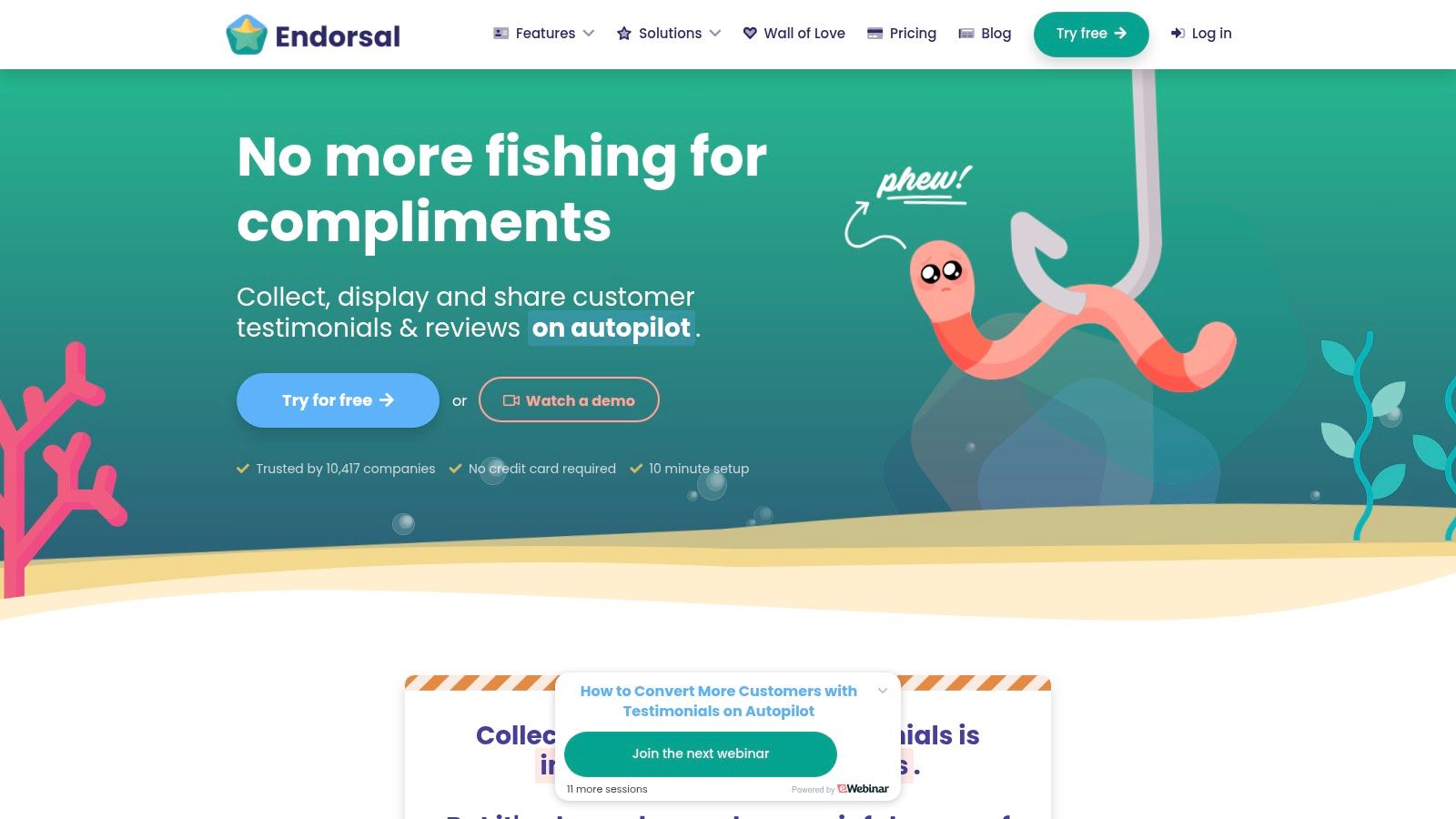
Endorsal is a conversion-oriented social-proof suite. It combines testimonial capture with Wall-of-Love displays, floating widgets, popups, FOMO elements, animated snippets, and video previews. The focus is less on producing a polished interview and more on putting customer proof in front of the right visitor at the right moment.
Teams can request testimonials by email and SMS, enable social sharing, and download video assets. Its public API makes it appealing to developer-heavy teams that want to connect testimonial data to their own systems. Advanced tiers provide 4K capture and downloads, while API calls and video minutes vary by sub-tier.
Built for distribution, not just storage
Endorsal is a good fit when your marketing team already knows where proof should appear. A floating widget can support a product page, an animated snippet can reinforce a signup flow, and a popup can surface a relevant customer story during a campaign. That distribution breadth is more valuable than a large content library nobody sees.
The downside is quota complexity. Properties, visitors, contacts, video minutes, and API calls can vary across tiers. Starter plans include lower quotas and fewer properties, so a team with several domains should model usage before committing.
Pick Endorsal when CRO-focused publishing and API access are central requirements. It's less suitable if your priority is guided recording, deep editorial control, or a polished production pipeline.
Teams also comparing social proof with partner-led growth can review Refgrow's customer advocacy programs guide. Endorsal manages testimonial presentation, while Refgrow is designed for referral and affiliate programs.
9. Vouch
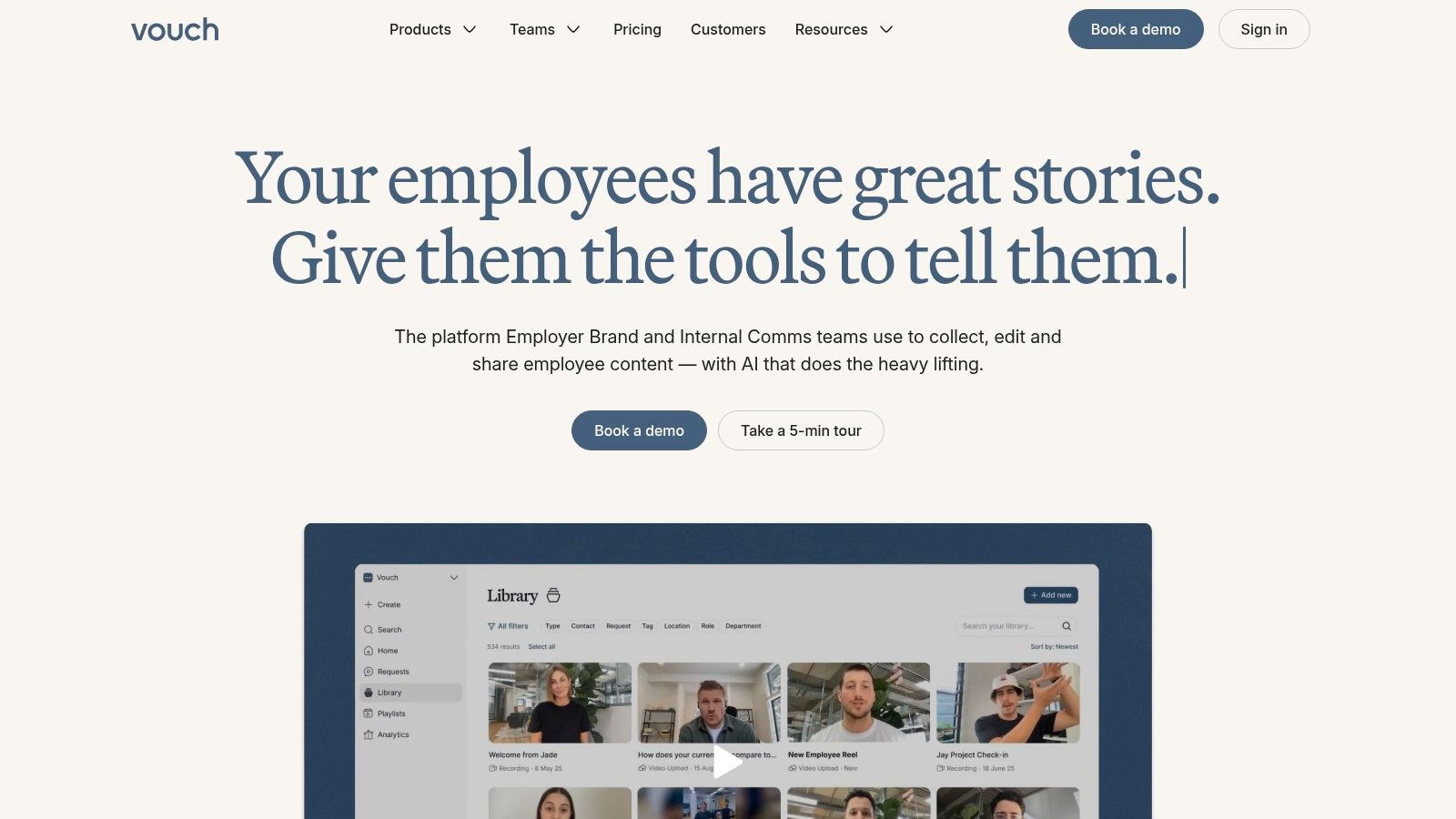
Vouch is the enterprise-leaning option for organizations that need a repeatable system for collecting, editing, and distributing customer or employee stories. Respondents can record through links delivered in email, Slack, or Teams, without installing software. That removes a common obstacle for global contributors and internal stakeholders.
The platform's strength is the workflow around the raw recording. AI-assisted editing and repackaging can turn a longer story into clips, posts, case-study snippets, and other branded assets. Distribution workflows support employer-brand and enterprise communication use cases, including LinkedIn-focused activity and broader team collaboration.
When enterprise controls justify the sale
Vouch is a sensible choice for a global organization with brand guardrails, multiple stakeholders, and a steady need for video content. Intake, editing, approvals, and distribution can live in one operating system instead of passing through disconnected tools.
The limitation is fit and price. Pricing is sales-assisted, which makes it difficult for a small SaaS team to compare cost before speaking with the vendor. Its focus also leans toward HR, internal communications, and employer branding. A customer-marketing team that only needs website testimonials may pay for workflow breadth it won't use.
Choose Vouch when distribution governance and content repurposing matter as much as collection. For a lean product-led company, Senja, Famewall, or Testimonial.to will usually be easier to evaluate and deploy.
Top 9 Video Testimonial Software Comparison
| Product | Core features | Unique selling point | Target audience | Price / Value | UX / Quality |
|---|---|---|---|---|---|
| Bragly | 50+ source aggregation; no-code widgets; AI summaries; auto-sync; webhooks | ✨ Aggregates reviews from 50+ platforms & AI analysis, https://bragly.io/features/video-testimonials | 👥 SaaS & digital products needing centralized social proof | 💰 Free → $67/mo (Pro $14/mo) | ★★★★, Rich layouts, low maintenance |
| Senja | Free plan (15 items); unlimited widgets; imports 30+; API/webhooks | ✨ Generous free tier + fastest setup | 👥 Early-stage SaaS & lean teams | 💰 Free → Paid (affordable) | ★★★★, Low friction, easy start |
| Famewall | Free 10 items (1 video); Pro unlocks unlimited video; Zapier/API; white‑label | ✨ Very low-cost unlimited-video option | 👥 Solo founders & small teams | 💰 Free → Low-cost Pro (unlimited video) | ★★★★, Budget-friendly, some caps |
| Testimonial.to | Link-based collection; embeddable walls; Spaces; team seats | ✨ Per‑Space org for multi-product setups | 👥 Indie makers & SaaS product teams | 💰 Free → Per‑Space paid tiers | ★★★★, Simple, quick to launch |
| Vocal Video | Link capture; auto-editing; AI cleanup; templates; downloads | ✨ Auto-produced, case-study ready videos 🏆 | 👥 B2B SaaS teams needing polished videos | 💰 Free (watermark) → Paid (metered processing) | ★★★★★, Polished, minimal post-edit |
| Boast | Surveys (NPS/CSAT), testimonial capture; drag‑drop forms; widgets | ✨ Feedback + testimonial stack in one product | 👥 Ops-driven product, CX & growth teams | 💰 Paid (response‑metered plans) | ★★★★, Predictable workflows, quotas |
| VideoAsk | Multi-step video funnels; branching logic; embed; APIs | ✨ Guided, narrative video funnels for richer responses | 👥 Teams collecting case-study style answers | 💰 Free → Paid (minutes-based billing) | ★★★★, Polished UX; minute quotas |
| Endorsal | Email/SMS requests; API; 4K downloads; CRO widgets (popups/FOMO) | ✨ CRO-focused widgets to boost conversions 🏆 | 👥 Dev/CRO teams wanting conversion tools | 💰 Paid (property/visitor quotas) | ★★★★, Feature-dense, quota-based |
| Vouch | Link capture; AI editing; content repackaging; distribution workflows | ✨ Enterprise-grade intake→edit→distribute workflows | 👥 Enterprise HR/Comms & marketing | 💰 Sales‑assisted (enterprise pricing) | ★★★★, Scales well, higher cost |
Turn Your Shortlist Into a Tested Collection Workflow
The best video testimonial software isn't the tool with the longest feature list. It's the one your customers will use and your team will publish from. Start by deciding whether your bottleneck is collection volume, production effort, distribution, measurement, or integration.
For a budget-first collection workflow, shortlist Senja, Famewall, or Testimonial.to. Senja is the most flexible when text and video need to coexist. Famewall is attractive for low-cost video volume and multiple testimonial walls. Testimonial.to is the simplest choice when one product needs a clean collection link and a Wall of Love.
For polished production, shortlist Vocal Video or Vouch. Vocal Video is easier to evaluate as a self-serve production platform, with AI-assisted editing, subtitles, templates, galleries, and downloadable outputs. Vouch makes more sense when several departments need governed intake, repackaging, and distribution across a larger organization.
For feedback operations, look at Boast. It's the logical candidate when NPS, CSAT, CES, review requests, and video testimonials should share one response workflow. For interactive customer narratives, choose VideoAsk. Its branching flows can produce richer answers, but you'll need to budget for setup and minutes-based processing.
For conversion-focused distribution, Endorsal or Bragly deserve attention. Endorsal emphasizes widgets, popups, animated snippets, and API-driven publishing. Bragly is stronger when your proof is scattered across external review platforms and you want automatic syncing plus no-code embeds.
Run a real pilot
Don't make the final decision from a feature page. Pick one or two tools and run a pilot using real customers, real lifecycle triggers, and real destination pages. Ask for testimonials immediately after a successful onboarding milestone, a resolved support issue, or a clear product outcome. Give customers short prompts that ask for the problem, the change, and the specific reason they'd recommend the product.
Measure the workflow before you measure revenue. Track request delivery, response rate, recording completion, usable-audio rate, time from submission to approval, editing time, publication time, and the percentage of videos that receive consent for every intended channel. Then compare how each tool handles captions, transcript corrections, mobile recording, retakes, exports, embeds, and webhook delivery.
For revenue measurement, don't rely only on last-touch attribution. A benchmark compilation citing Vidyard data reports approximately 65% completion for videos shorter than 60 seconds, compared with about 20% for videos longer than 20 minutes, and reports a 44% higher conversion rate for videos featuring customer testimonials than for videos without them, as summarized by Komet Media's B2B video statistics. Treat those figures as directional benchmarks, not guarantees. Test short and long cuts with control groups, and measure trial starts, activated users, demo completion, paid conversion, retention, and refunds.
Your governance process matters too. Record consent, permitted channels, customer name and role, translation approval, takedown instructions, and whether incentives were offered. Casual footage can feel authentic, but it still needs accurate claims, accessible captions, readable contrast, transcripts, and a player that works for keyboard users and disabled audiences. Editing should improve clarity without changing what the customer meant.
Finally, keep testimonial production separate from referral infrastructure. If your team also wants customers or partners to refer new users, Refgrow is a separate category, referral and affiliate software embedded in your app. It offers a 14-day free trial, with pricing listed from $29 per month, and supports in-app referral experiences, analytics, integrations, API access, webhooks, and automated commissions. Those numbers and product details are available on Refgrow's website. Choose it alongside testimonial software only when you're building both social proof and a referral program.
Shortlist the tools that match your budget, expected collection volume, editing workload, and integration requirements. Then launch a small pilot with real customer stories, publish the best outputs at pricing or demo decision points, and keep the platform that reduces friction without creating a new maintenance problem.